Creator Quest Co-op Adventure
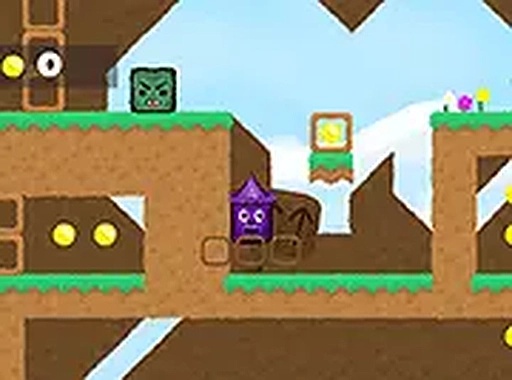
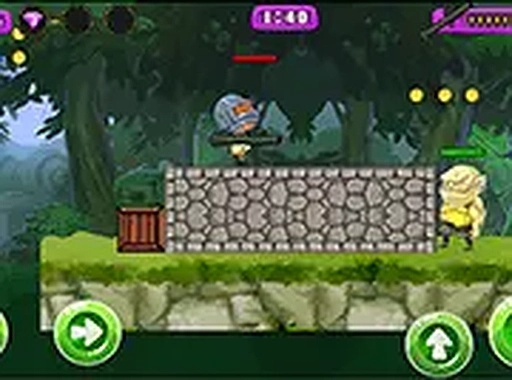
Creator Quest Co-op Adventure is a free online two-player game where friends team up to guide characters through colorful levels, collect view blocks, and reach the gold button.
Reviews
A fun two-player co-op platformer with colorful levels and teamwork puzzles. Great for friends and family.
About this game
Game Introduction
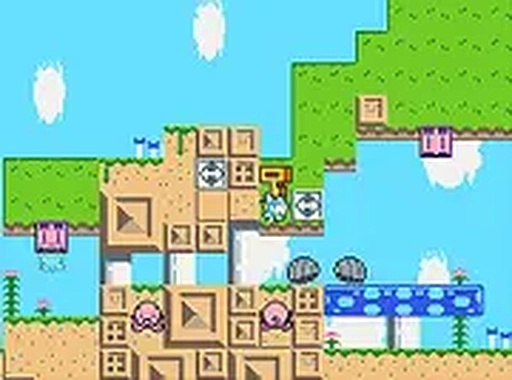
Creator Quest Co-op Adventure is a cooperative platformer designed for two players to enjoy together. The game brings a playful theme of digital content creation to life, as players work as a team to guide characters through vibrant levels filled with obstacles and puzzles. The main objective is to collect blocks representing views and a shiny gold button, which symbolize achievements in the digital world. Each level introduces new challenges that require teamwork and quick reflexes to overcome. The cheerful graphics and upbeat music create a family-friendly atmosphere suitable for all ages. This game runs directly in a web browser without any downloads, making it easy to start playing instantly. It is a great choice for friends or siblings who want to play together in a shared gaming experience.
How to Play
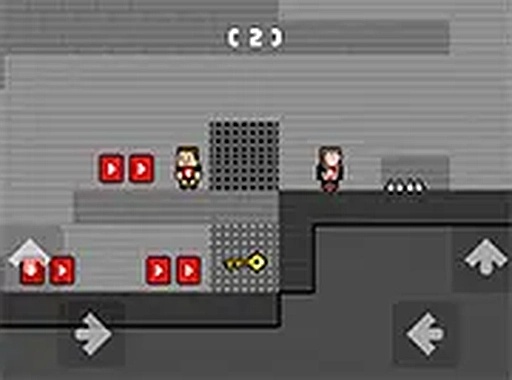
In Creator Quest Co-op Adventure, two players control their characters simultaneously. On a desktop computer, one player typically uses the W, A, S, D keys to move and jump, while the other uses the arrow keys. On mobile devices, both players use touch controls displayed on the screen. The goal is to navigate each level, avoid obstacles such as spikes and gaps, and collect as many view blocks as possible. The gold button is the ultimate prize, so players should grab it before reaching the exit. Communication and coordination are key, as some areas require one player to activate a switch or move a platform for the other. The game saves progress automatically, allowing players to continue from where they left off.
Game Features
Two-player cooperative gameplay is the central feature of Creator Quest Co-op Adventure. The game includes colorful levels with unique obstacles and collectible view blocks and a gold button. It is mobile-friendly with touch controls, allowing play on various devices. The game is free to play online with no downloads required, and it features automatic progress saving. These features make the game accessible and enjoyable for players of all ages.
Tips for Success
Communicate with your partner to coordinate movements and solve puzzles. Watch for patterns in obstacles and time your jumps carefully. Collect all view blocks to maximize your score. Use the environment to your advantage, as some platforms may move or require activation. Practice each level to learn the layout and improve your reflexes. Stay patient and work together, as teamwork is essential for reaching the gold button and completing the game.