Timoros Legend Action Adventure
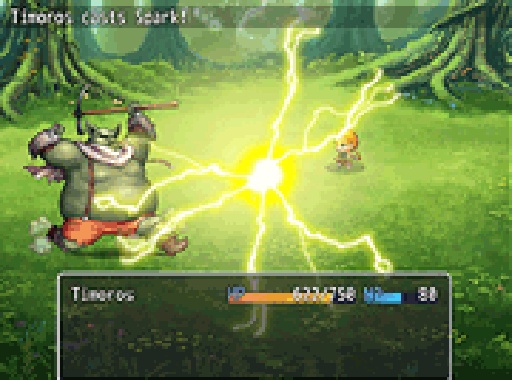
Timoros Legend is a free browser action game where you guide hero Timoros through Bravehill, fighting creatures and buying potions, weapons, and shields to reach the Jester's throne. It offers strategic upgrades and full screen mode for desktop play.
Reviews
Fun action game with a simple shop system. Good for quick desktop play sessions.
About this game
Game Introduction
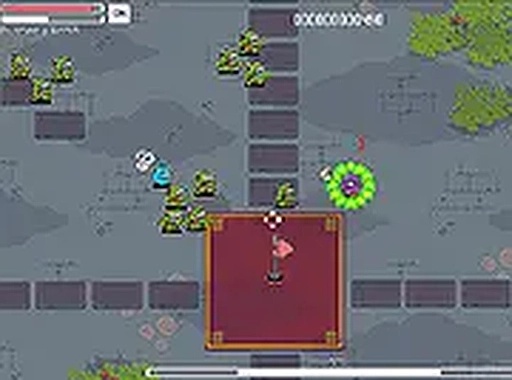
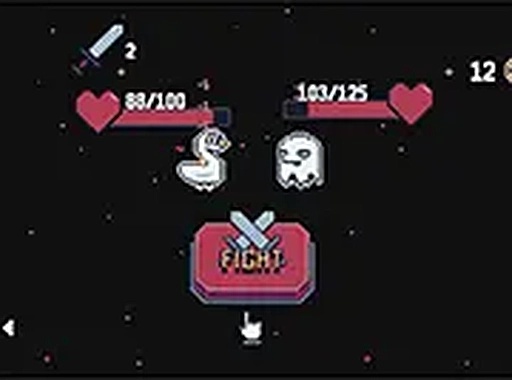
Timoros Legend Action Game Online - Adventure Game is a free browser-based action adventure set in the land of Bravehill. You play as Timoros, a hero on a quest to find the mischievous Jester and take his throne. The journey is filled with dangerous creatures that attack you. To survive, you must collect coins and buy potions for health, weapons for attack, and shields for defense. The game combines action with light strategy, making each play session engaging. It is designed for desktop computers and offers a full screen mode for a more immersive experience.
How to Play
To play Timoros Legend, use your keyboard and mouse on a desktop computer. Navigate your hero through the world, avoiding or battling creatures. Collect coins or points along the way. Visit the item shop to buy potions, weapons, and shields. Choose upgrades that fit your play style. The goal is to reach the Jester and claim his throne. The game runs in your browser with no downloads. Switch to full screen mode for a better view. Balance offense and defense to succeed.
Game Features
Timoros Legend offers several features: it is a free browser-based action game with an item shop that includes potions, weapons, and shields. Full screen mode is available for a more immersive experience. The game is designed for desktop play and requires no downloads. It is quick to start and play, making it easy to jump into the adventure.
Tips for Success
To succeed in Timoros Legend, focus on strategic item purchases. Balance your spending between health potions, weapons, and shields based on your current needs. Collect as many coins as possible during each level to afford better upgrades. Practice your navigation and combat skills to avoid taking unnecessary damage. Use full screen mode to improve your view of the environment. Learn enemy patterns to anticipate attacks and plan your moves accordingly.